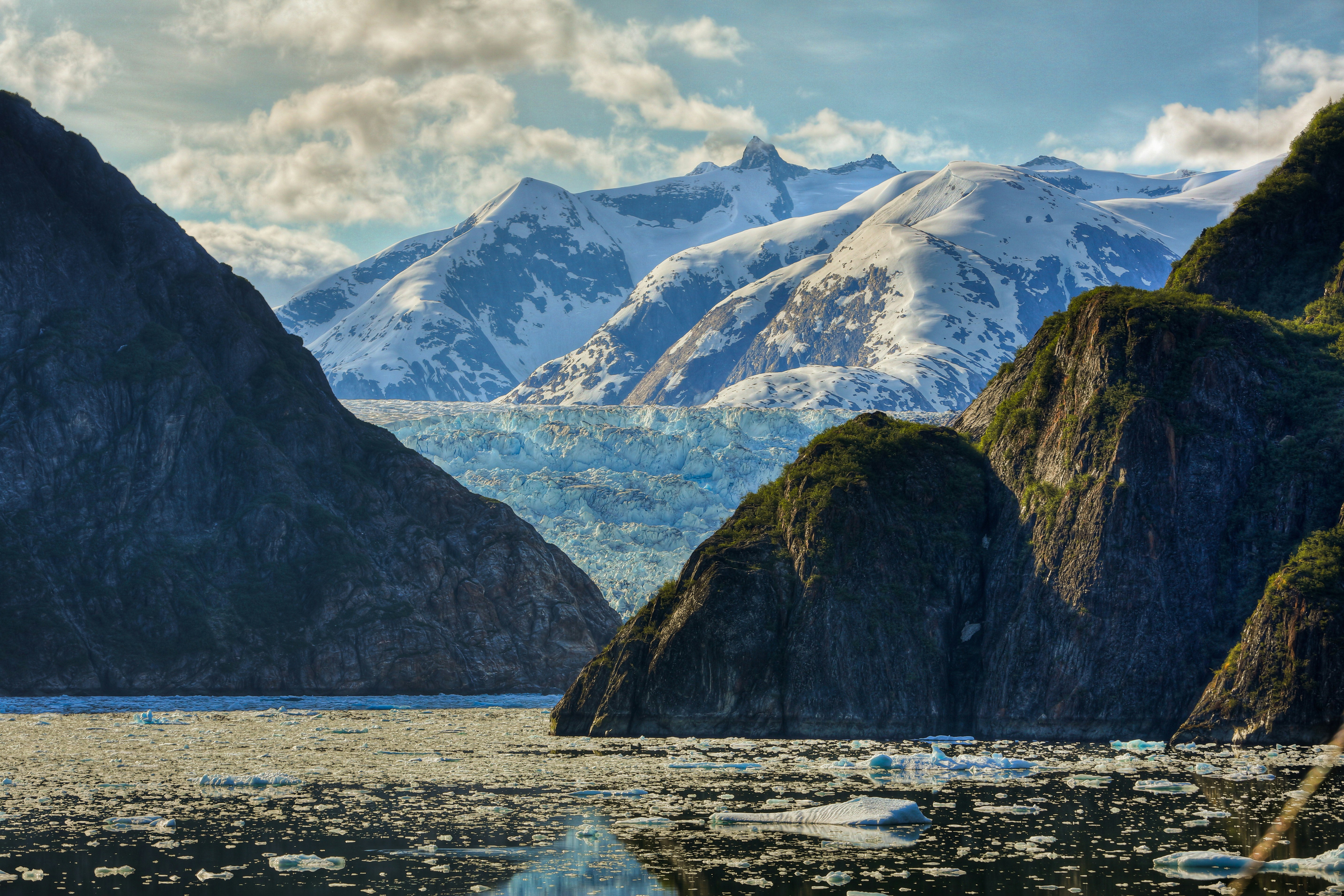
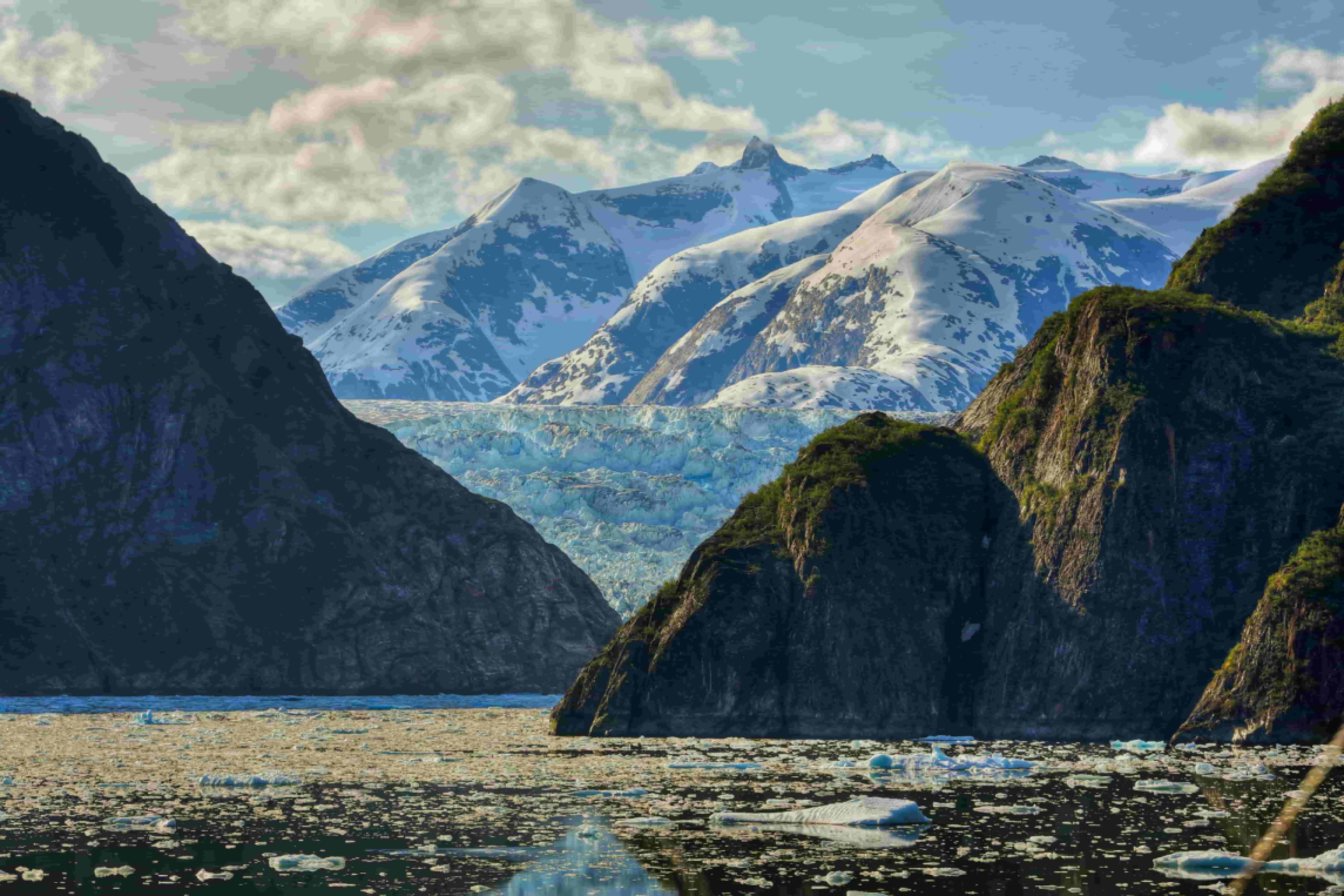
What is AI image upscaling?
AI image upscaling is the process of increasing an image's width and height while adding plausible visual detail that was not explicitly stored in the original file. A photograph captured at 1000×750 pixels contains a fixed amount of information. If you enlarge that file with a conventional resize tool, the software spreads existing pixels across a larger grid. The result is a bigger image that often looks soft, stair-stepped, or blocky because no new meaningful detail has been introduced.
AI Images Upscaler takes a different approach. Instead of merely interpolating between neighboring pixel values, modern super-resolution models learn patterns from large datasets of high-quality images. They estimate how edges, textures, skin, foliage, fabric, and typography should appear at finer scales. The output resolution is higher, and the picture typically looks sharper and more natural than a traditional upscale of the same factor.
This distinction matters for anyone who needs images that hold up on large monitors, retina displays, or printed pages. Social posts, product listings, presentations, and family archives frequently begin at sizes that were adequate for their original context but insufficient for reuse elsewhere.
How AI upscaling works
At a high level, an upscaling pipeline includes analysis, prediction, and refinement stages. During analysis, the model identifies structures in the image: object boundaries, repeating textures, gradients, faces, and compression artifacts from JPEG encoding. Convolutional neural networks and, in some systems, transformer-based architectures encode these features into an internal representation that captures both local detail and broader context.
During prediction, the network generates a higher-resolution output grid. Early super-resolution methods focused on minimizing pixel-wise error against known high-resolution training pairs. Newer approaches also optimize for perceptual quality, using auxiliary networks or loss functions that penalize blurry or unrealistic results even when average pixel error is low. Some pipelines operate in multiple passes—first a coarse upscale, then detail enhancement—while others predict residual detail added on top of a bicubic baseline.
Refinement may include denoising, mild sharpening, color consistency checks, and face-specific restoration when portraits are detected. The goal is not to invent objects that were never present, but to recover information that human vision expects at the target size. Responsible systems balance enhancement with fidelity so skin tones, document text, and product labels remain trustworthy.
Why people use AI upscaling
Practical motivations fall into several categories. Reuse and repurposing is common: a web-sized hero image must become a poster, a thumbnail must become a slide background, or a cropped photo must return to album dimensions. Archive recovery applies to scanned prints, old digital cameras, and compressed messaging attachments where the only surviving copy is small. Workflow efficiency matters for teams that cannot reshoot products or re-render scenes on every format change.
Creators also upscaling to meet platform requirements. Marketplaces specify minimum dimensions; print vendors quote sizes in inches at required DPI; video pipelines need still frames at higher resolution for titles and end cards. AI upscaling reduces friction when source material is fixed but output specifications are not.
For generative art and game assets, upscaling is a finishing step before print, merchandise, or texture work. The technique does not replace thoughtful capture or master file management, but it extends the useful life of assets that would otherwise fail quality checks at larger sizes.
Traditional interpolation versus AI enhancement
Traditional upscaling relies on deterministic formulas applied to existing pixels. Nearest neighbor duplication produces harsh, pixelated edges. Bilinear and bicubic interpolation sample surrounding pixels to estimate in-between values, yielding smoother gradients but often mushy fine detail. These methods are fast and predictable, yet they cannot infer texture that was never recorded—enlarging a 300-pixel-wide face will still look like a soft face because no algorithmic averaging recreates eyelashes that the sensor never resolved.
AI enhancement treats upscaling as a learned inference problem. Training pairs of low- and high-resolution images teach the model statistical relationships between coarse structure and fine detail. At inference time, the model generalizes those relationships to new photos. The benefit is most visible in organic textures, printed materials, and moderately compressed JPEGs where interpolation alone collapses detail.
AI upscaling is not magic. It cannot recover information obliterated by extreme blur or a tiny crop of a tiny crop. Artifacts can appear if the model hallucinates incorrect patterns in ambiguous regions. Understanding the tradeoff helps set expectations: interpolation is ideal for simple graphics with flat colors; AI excels on photographs and complex natural scenes when a moderate enlargement is needed.
Using AI Images Upscaler effectively
Start from the best available source—prefer originals over re-shared chat compressions when possible. Choose enlargement factors that match your delivery target rather than maximizing size by default. Preview results at actual viewing distance for print or zoom level for web. Combine upscaling with careful cropping, color correction, and format selection for the final medium.
AI Images Upscaler is designed to make this workflow accessible: upload your images, select 2x or 4x enhancement, and download results processed in the cloud without local GPU setup. Whether you are preparing product photos, restoring family memories, or adapting creative work for new channels, AI upscaling bridges the gap between the pixels you have and the clarity your audience expects.